
- Check the band first: Nanit says Pro and Plus work best on 5 GHz, the original on 2.4 GHz.
- Nanit asks for the router on the nursery's floor and within 20 feet, because the camera shields its antenna downward.
- Open, guest, captive-portal (hotel) and enterprise networks fail or are not recommended; WPA2-AES works best.
- On the High bandwidth setting Nanit suggests 2 Mbps upload; below 1 Mbps, set it to Low.
- Before any of it, check status.nanit.com: setup and the livestream run through Nanit's servers.
Why won't my Nanit connect to Wi-Fi?
Most of the time the camera can't hear the router well, or it joined the wrong band.  Nanit's own Wi-Fi guide says the original camera does better on 2.4 GHz, and the Nanit Plus and Pro on 5 GHz. Your phone must sit on that same network when you start pairing. Many routers put both bands under one name, so the phone and the camera can quietly end up on different ones.
The second cause is the floor plan. The same guide explains that Nanit shields the bottom of the camera to keep radio signals away from the baby. That also weakens the link to a router below the nursery and more than 20 feet away. A nursery upstairs from the router is the textbook case.
The third cause is the network itself. Nanit says it does not support enterprise networks and needs an extra travel router for hotel-style login pages. It recommends against guest networks and phone hotspots. The table puts every case side by side, from Nanit's own documents.
| Your network | Works with Nanit? | What to do |
|---|---|---|
| Home Wi-Fi, WPA2-AES, router on the same floor | yes | the setup Nanit recommends |
| One name for 2.4 and 5 GHz | yes, but may pick the wrong band | check 4: switch the band, or split the names |
| Router a floor below the nursery | often drops | check 6: a router or repeater upstairs |
| WPA2-TKIP, WPA or WEP | connects, not advised | check 5: switch the router to WPA2-AES |
| Open or guest network | not recommended | use your own secured network |
| Hotel or café Wi-Fi with a login page | no, not directly | a travel router in between |
| Office network with a username (802.1X) | no | not supported |
| Phone hotspot | possible, discouraged | set the bandwidth to Low |
| Internet under 1 Mbps upload | drops and buffering | check 7: bandwidth to Low |
Source: Nanit's Wi-Fi and connection guide, a PDF on Nanit's own Amazon listing, opened November 12, 2026.
How to fix a Nanit that won't connect: eight checks
Go in order: the first three take five minutes and cost nothing. Menu names are Nanit's own, from its help pages; they shift a little between app versions.
- Check Nanit's status page. Open status.nanit.com. It lists Setup & Onboarding, User Login, Local Livestream and Remote Livestream as separate services. When we opened it on November 12, 2026, all four showed Operational. If one is not, nothing at home will fix it: wait it out.
- Test the Wi-Fi with your phone. Join the network you want the camera on, then open a web page. Nanit's guide starts here. If the network is missing, the router is the problem; if the page won't load, the internet line is, and your provider has to fix it.
- Restart the camera, then the router. As Nanit's guide says, unplug the Nanit's power adapter, or lift the camera off its stand, for about 10 seconds. The night light blinks while it reconnects. Still nothing? Unplug the router, modem and any repeaters for 10 seconds, then plug them back in.
- Pick the right band. Original camera: 2.4 GHz. Plus and Pro: 5 GHz. Put your phone on that band before pairing. For a camera that is already paired, open the camera's settings, tap Network, and under Dual Band Networks tap Wi-Fi Band, as Nanit's band page describes. If the router uses one name for both, its manual shows how to give each band its own name.
- Check the security type. On your phone, tap the network's name in Wi-Fi settings and read the security line. Nanit supports WPA2, WPA and WEP, and works best with WPA2-AES. It advises against WPA2-TKIP. A login page, a guest network or a network that asks for a username will not do.
- Bring the router and the camera together. Nanit recommends the router, or a repeater, on the nursery's floor and within 20 feet. If the router is downstairs, a repeater on the nursery floor is the fix Nanit names. Thick walls and other radios matter too; the baby monitor interference guide covers them.
- Lower the bandwidth. On High, Nanit suggests 2 Mbps upload and 1 Mbps download. If a speed test on your phone shows less than 1 Mbps, open Settings, tap your baby's name, tap Network and move the bandwidth slider to Low. The picture gets softer, and the stream holds.
- Re-pair, then call Nanit. In the same Network menu, tap "Pair your Nanit with your network" and follow the app; Nanit uses Bluetooth for this step, so keep it on. A new router always needs this. Still stuck? Nanit's guide lists help@nanit.com and 1 (866) 696-2648.
Can I use Nanit on hotel Wi-Fi or a phone hotspot?
Hotel Wi-Fi with a login page needs extra gear. Nanit's guide says a captive-portal network "will require an external router/access point with a secured (preferably WPA2) network". You connect a travel router to the hotel Wi-Fi, accept the login page from your laptop or phone, then pair the Nanit with the travel router's network.
A phone hotspot works, but Nanit discourages it. Data caps, a weak mobile signal and slow upload all break the stream, and Nanit asks you to set the bandwidth to Low first. A night of video also eats into your data plan. Our baby monitor for travel guide compares what to pack instead.
Does Nanit work without the internet?
Plan on needing it. The Nanit app signs in to a Nanit account, and Nanit's status page lists setup, login and the livestream as its own online services. Nanit's troubleshooting begins by checking that the Wi-Fi has a working internet connection. During an outage, expect setup and alerts to fail even with the router still on.
That is the trade with a cloud camera: it works from anywhere, and it depends on a server you do not control. The Nanit comparison covers what you get for it, and the subscriptions page explains what works without a Nanit plan. For a night with no internet at all, the baby monitor without Wi-Fi page lists what still works. Choosing a camera that streams on your home network instead? See Wi-Fi cameras that work as a baby monitor, or the other baby monitor guides.
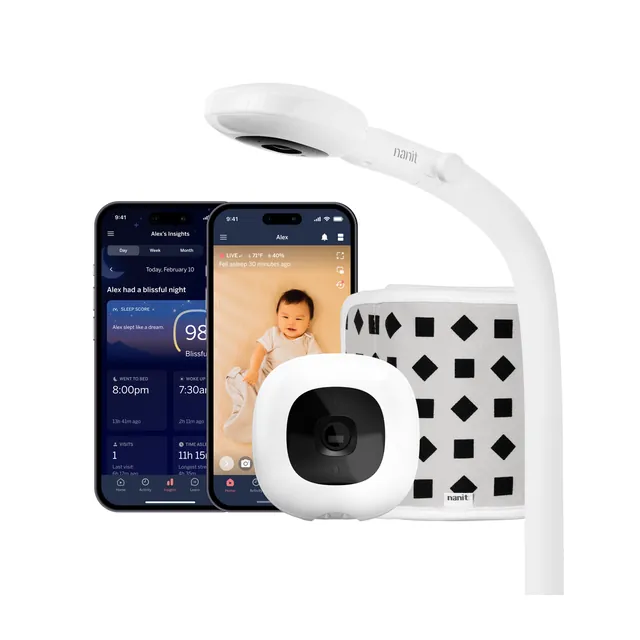 Photo: NanitNanit ProWi-Fi and Nanit's cloud
Best on its preferred band, close to the router, on the same floor.
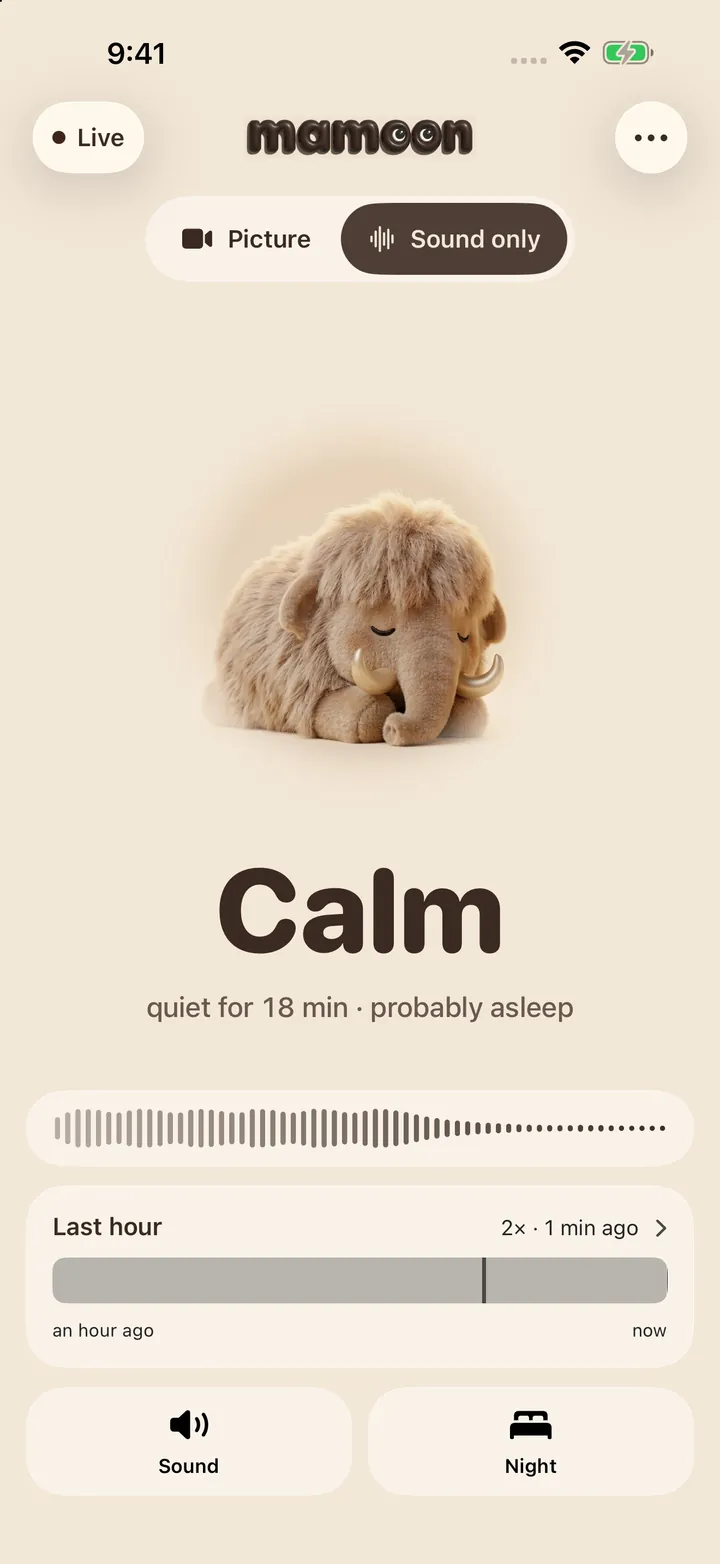
 An old phone with Mamoonhome Wi-Fi only
Keeps working with the internet down; no breathing motion, no recordings.
Where Mamoon fits
A Nanit streams only to its own app, so Mamoon does not read or repair one. It covers the night while you sort the Wi-Fi out: an old phone by the crib becomes the camera, and your phone is the screen. Picture and sound go over your home Wi-Fi, not the internet: no cloud, no account, and it keeps working when the internet is down. When the link drops, Mamoon turns the screen grey and alerts you after 20 seconds. Sound and cry alerts are free; the picture costs $29.99 once or $3.99 a month after 14 days free.
Frequently asked questions
How do I connect my Nanit to a new Wi-Fi network?
Open the camera's settings in the Nanit app, tap Network, then "Pair your Nanit with your network". Put your phone on the new network first, on the band your model prefers, and keep Bluetooth on while the app pairs.
Should Nanit be on 2.4 GHz or 5 GHz?
Nanit says the original camera does better on 2.4 GHz, and the Nanit Plus and Pro on 5 GHz. If the 5 GHz link is weak in the nursery, try 2.4 GHz anyway: it reaches further through walls.
Why does my Nanit keep disconnecting at night?
Usually distance or bandwidth. Nanit wants the router within 20 feet on the same floor, and suggests 2 Mbps upload on the High setting. Evening streaming in the house eats that upload, so try the Low bandwidth setting.
Why does Nanit need Bluetooth if it uses Wi-Fi?
Nanit's help center says setup uses Bluetooth, even though the camera streams over Wi-Fi afterwards. Turn Bluetooth on before you pair, and keep it on until the app says setup is done.
What is the Nanit support phone number?
Nanit's connection guide lists 1 (866) 696-2648 and help@nanit.com. Have your camera model, your router model and the result of the status page check ready.
Sources
- Nanit: Wi-Fi networks that are not recommended or won't work, resolving disconnects, how to improve your Nanit's connection (PDF on Nanit's Amazon listing), opened November 12, 2026
- Nanit help center: How to use Nanit with 2.4 and 5GHz Wi-Fi networks, opened November 12, 2026
- Nanit help center: Why do I need Bluetooth to set up Nanit if it works over Wi-Fi?
- Nanit System Status (Setup & Onboarding, User Login, Local and Remote Livestream), opened November 12, 2026
Spotted a mistake or an outdated figure? Write to hello@mamoon.app.
How these pages are made: an AI model drafts them from our own tests, real app screens and the sources listed, and Jan Drábek checks every page before it goes live.
